
Verified Play Console Developer

Crafting Exceptional Mobile Experiences on Google Play

We design, engineer, and publish fast, privacy-focused Android applications relied on by users worldwide.

Play Protect Verified
Privacy-by-Design
Target API 35+
Kode Apps Studio

Kode Apps Studio

Official Developer Profile

Explore our verified Google Play Console developer account featuring top-rated Android productivity tools, utility applications, and mobile software.
1 Published Apps
4.8 Avg User Rating
100,000+ Global Installs
Kode Apps Studio Mobile Showcase
Flagship Mobile Ecosystem

Designed for Speed, Security & Everyday Utility

At Kode Apps Studio, we engineer native Android utilities that integrate seamlessly with your daily workflow. Every app features hardware-accelerated rendering, instant offline capabilities, and zero third-party tracking.
100% Native Kotlin & Jetpack Compose UI
Target Android 15 (API 35) & 64-Bit Performance
Play Protect Verified Security Audits
Editor's Choice & Spotlight

Featured Android Application

Full Overview
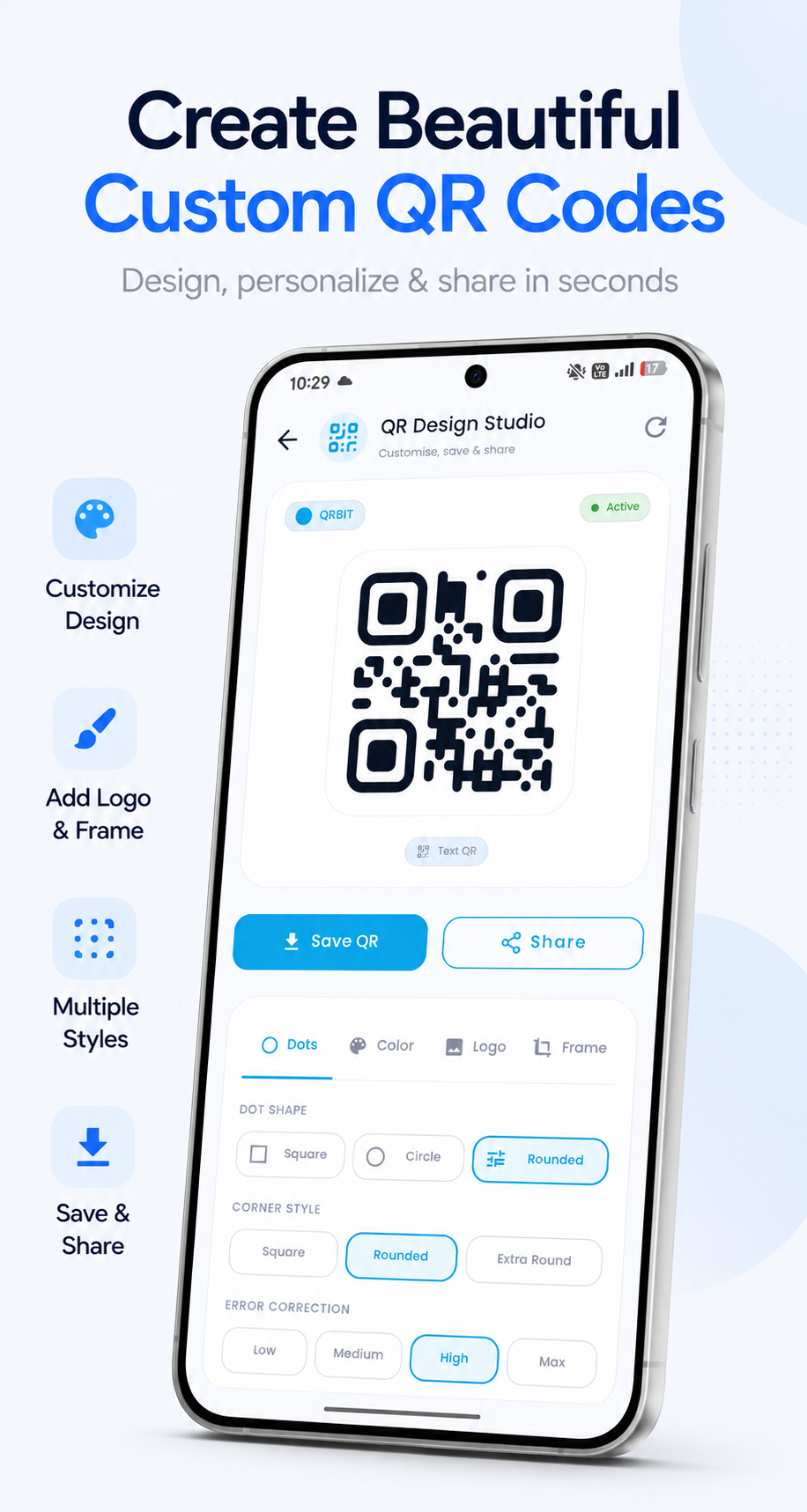
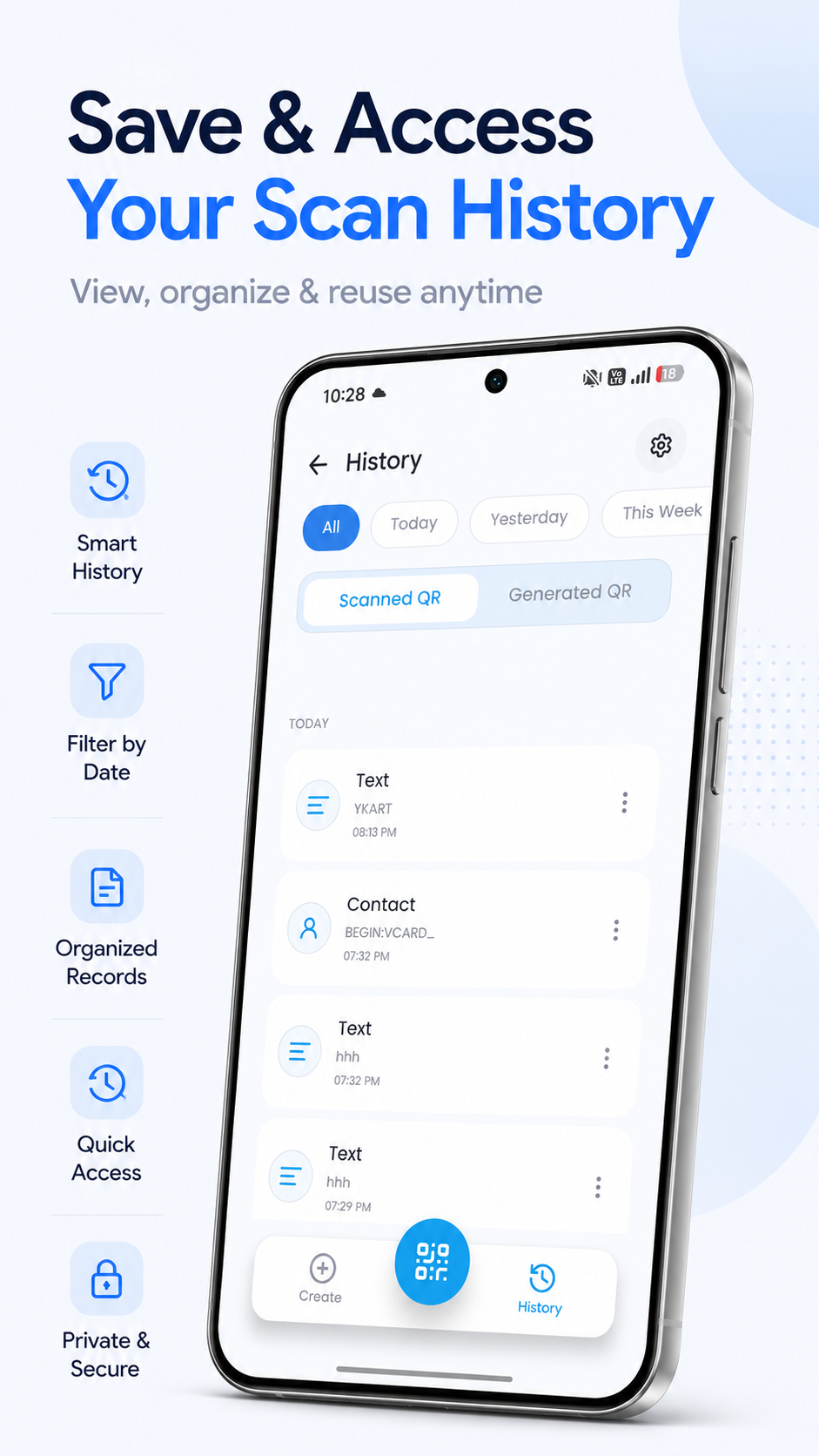
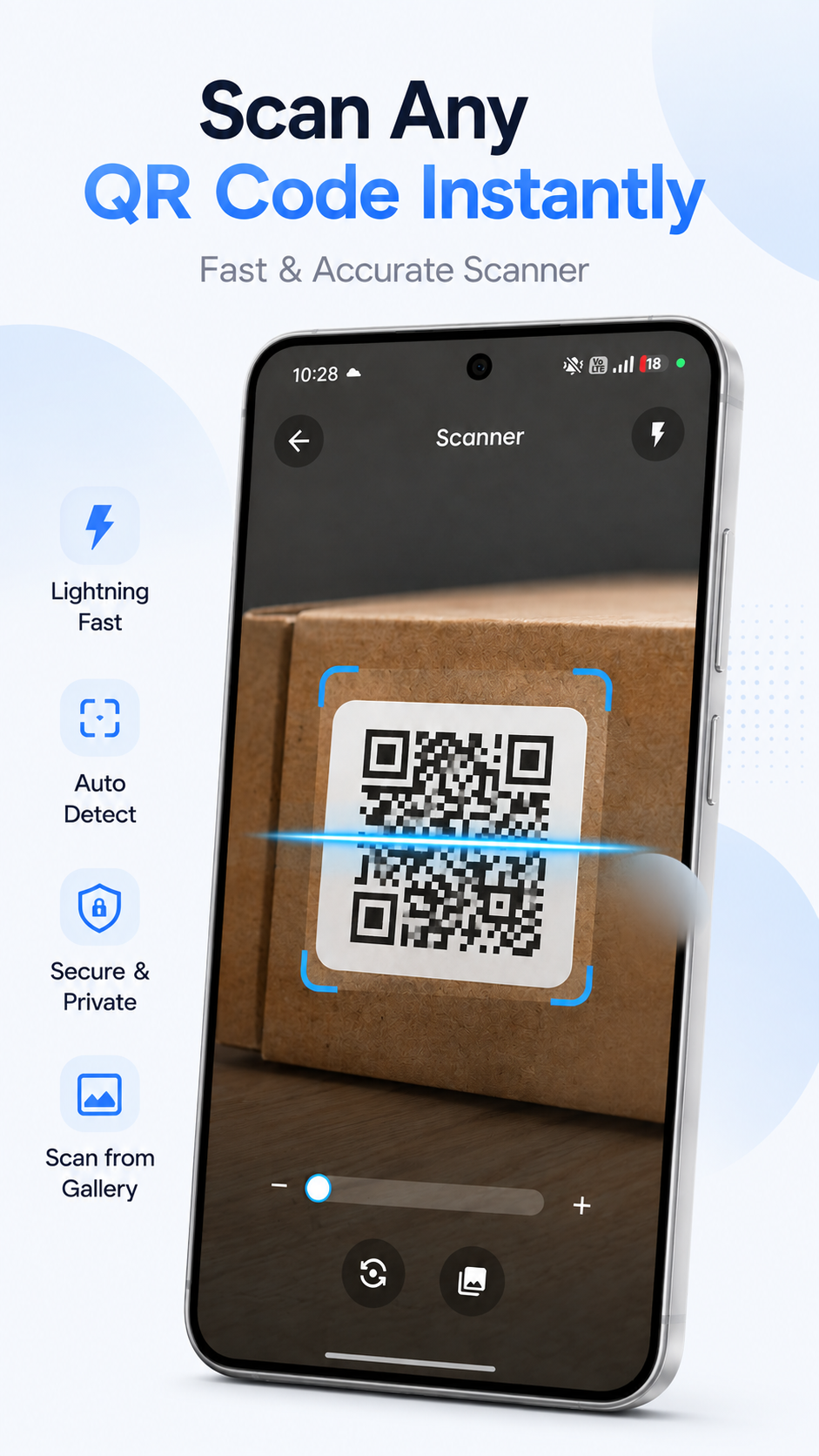
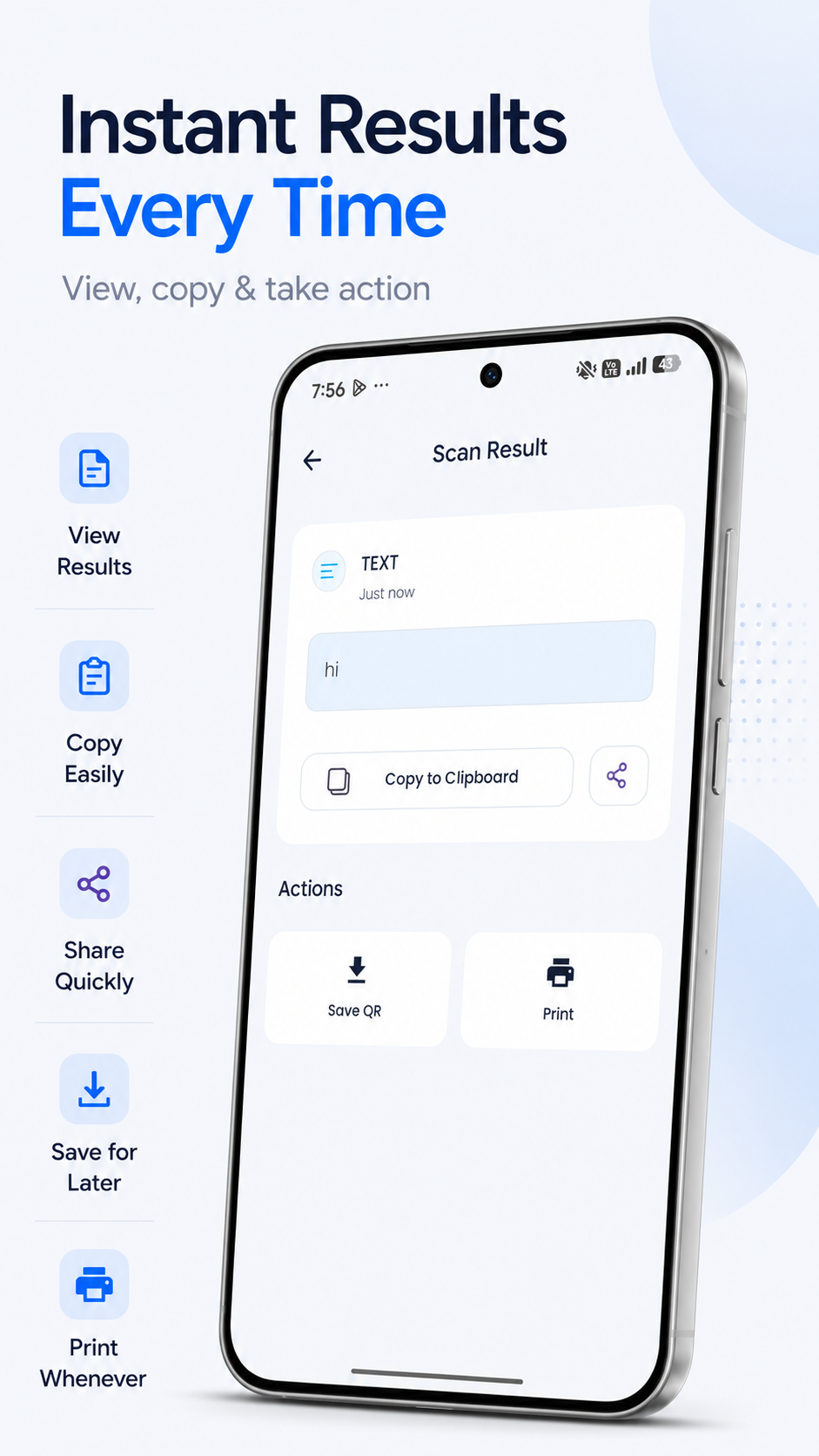
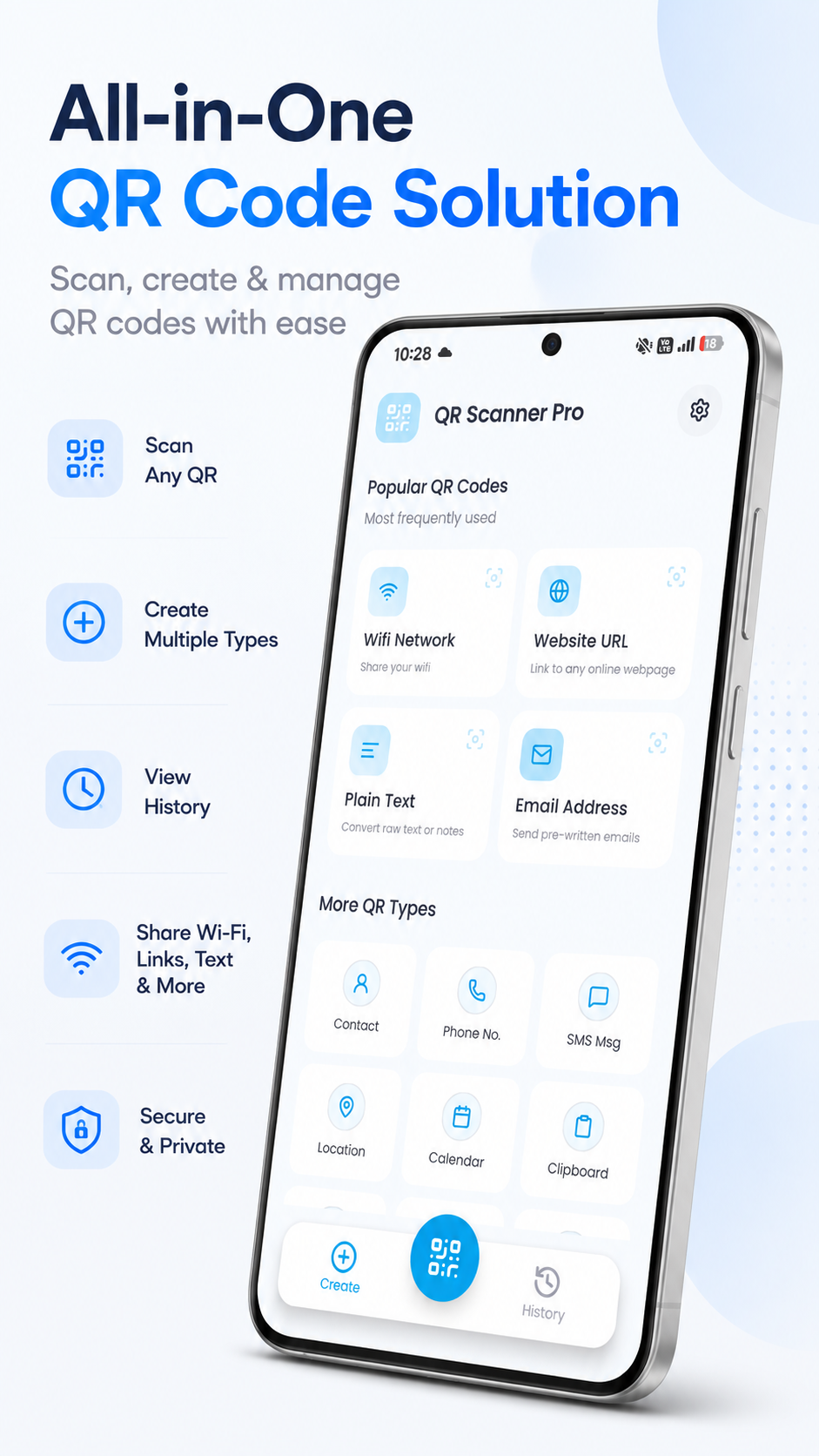
QrBit: QR Scanner & Generator
Tools

QrBit: QR Scanner & Generator

Kode Apps Studio
0.0 Rating
0+ Downloads
v1.1.2 Version

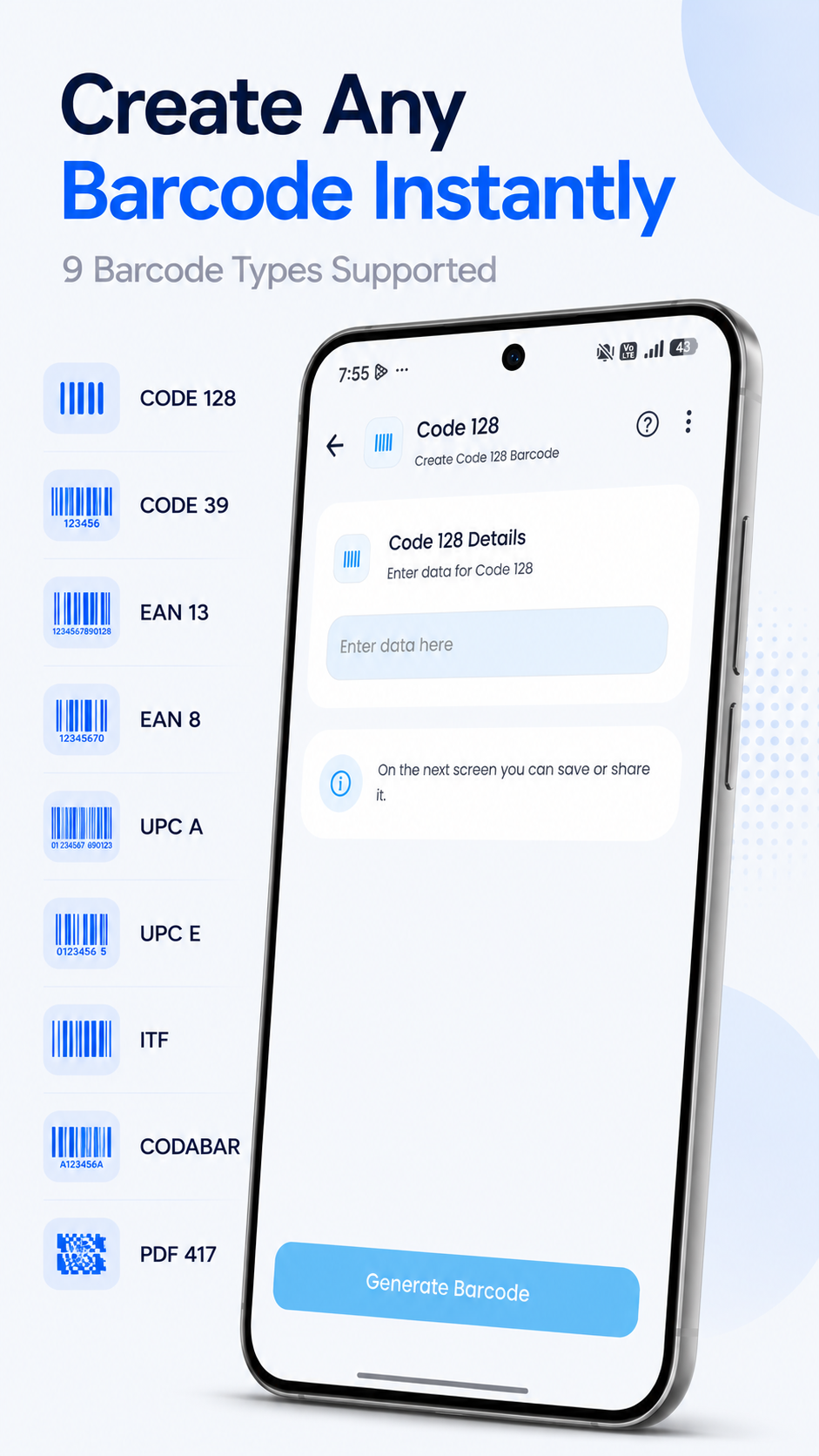
Scan QR codes, create custom QR codes, and generate barcodes with ease.
Compatible with Android smartphones, tablets & Chromebooks
Software Library

Complete Android App Portfolio

Every application is meticulously engineered for fluid performance, security, and top-tier user satisfaction.

QrBit: QR Scanner & Generator
Featured Tools

QrBit: QR Scanner & Generator

Scan QR codes, create custom QR codes, and generate barcodes with ease.
0.0 0+
Quality Principles

Built with Precision & User Privacy

Our applications are built on modern Android architectures with uncompromising standards.

Zero Third-Party Tracking

We strictly abide by privacy-by-design principles. User data stays locally encrypted on your device using Jetpack Security and AES-256 GCM.

Instant Boot & Lightweight

Optimized APKs with sub-second cold start times, zero memory leaks, and minimal storage footprint on older & modern hardware.

Android 14 & 15 Ready

Continuous release cadence guaranteeing seamless operation with modern predictive back gestures, edge-to-edge UI, and dynamic theming.

Battery Conscious

Background tasks leverage modern WorkManager APIs to prevent wakelocks and minimize CPU consumption during idle states.

Play Console Compliance

Official Google Play Standards

Every release complies with Google Play Developer Program policies and automated testing.

Google Play Protect Scanned

Automated malware, vulnerability, and library scanning prior to production publishing.

64-Bit & Target API 35+

Engineered for high-efficiency 64-bit architectures and compliant with Play Store requirements.

Transparent Data Safety

Every app provides an audited Google Play Data Safety declaration detailing data practices.

TalkBack & Accessibility

High contrast color palettes and screen-reader content descriptions enabled out of the box.

Help & Support

Frequently Asked Questions

Have questions about our Android apps or Play Console account?

Are all applications downloaded directly from the official Google Play Store?
Yes! Every app listed on this website links directly to its official listing on Google Play (`play.google.com`). We do not distribute raw APK files from untrusted third-party hosts.
How do you handle user data privacy and security?
Our applications follow strict privacy-by-design principles. User data created within utility apps remains stored locally on your device unless you explicitly enable cloud sync options.
How can I submit feature requests or report a bug?
You can reach out directly to our software engineering team through our Contact page. We review all user bug reports and feature suggestions for upcoming app updates.
What Android OS versions are supported by your apps?
Our applications support Android 8.0 (API Level 26) and above, ensuring high compatibility with older smartphones while fully supporting Android 14 and 15 features.