

Scan QR codes, create custom QR codes, and generate barcodes with ease.
com.kodeapps.qrscanner.barcodescanner.qrbit
An all-in-one QR code scanner, QR code generator, and barcode generator designed for fast, simple, and convenient everyday use.
With a clean and intuitive interface, QrBit lets you scan QR codes, create custom QR codes, generate barcodes, save your codes, share them, and keep track of your scanning and generation history — all from one app.
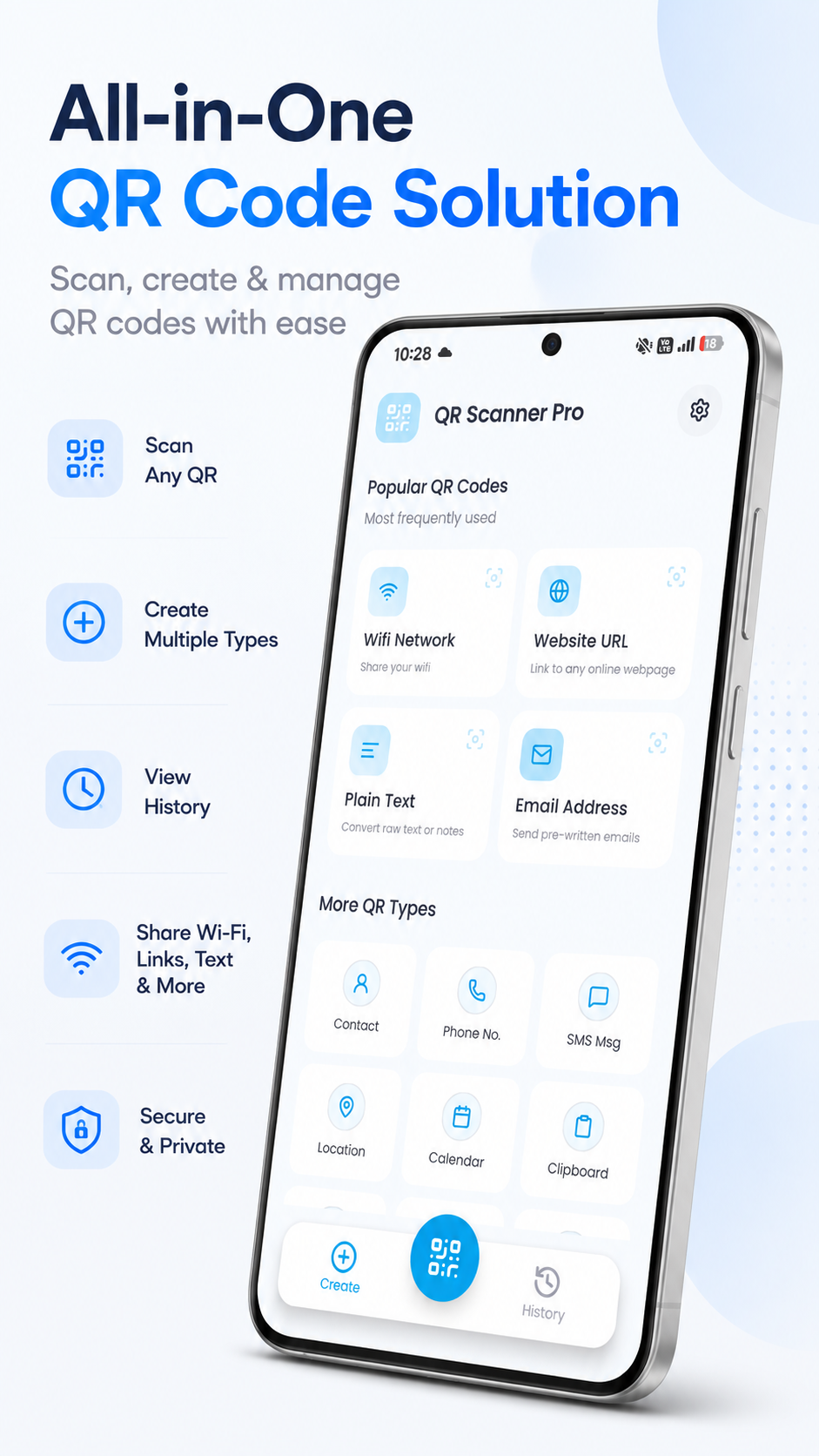
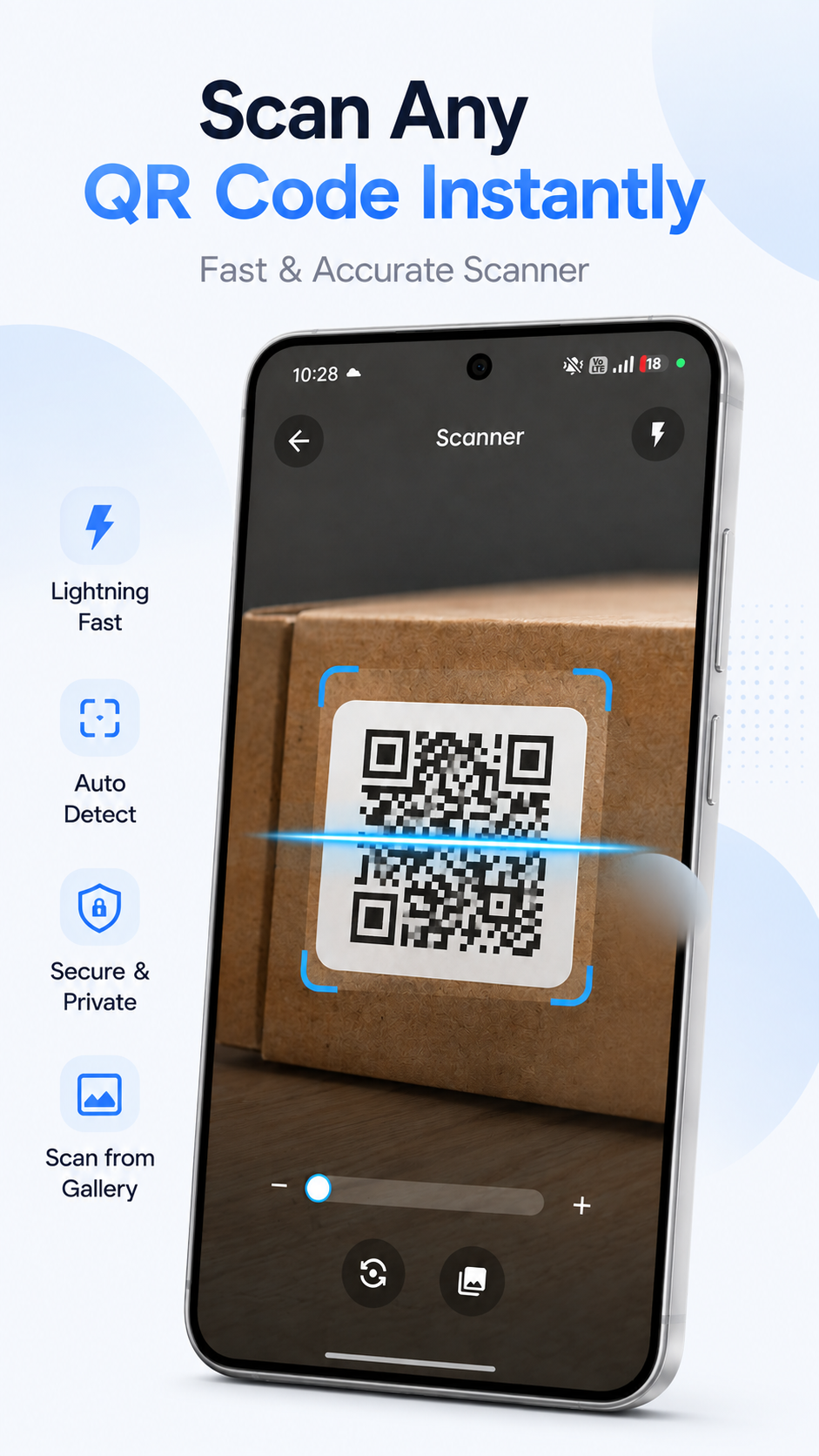
Scan QR codes quickly using your device camera and access the information stored inside them. QrBit supports commonly used QR content, including website URLs, plain text, Wi-Fi information, contact details, email addresses, phone numbers, SMS messages, locations, calendar events, and more.
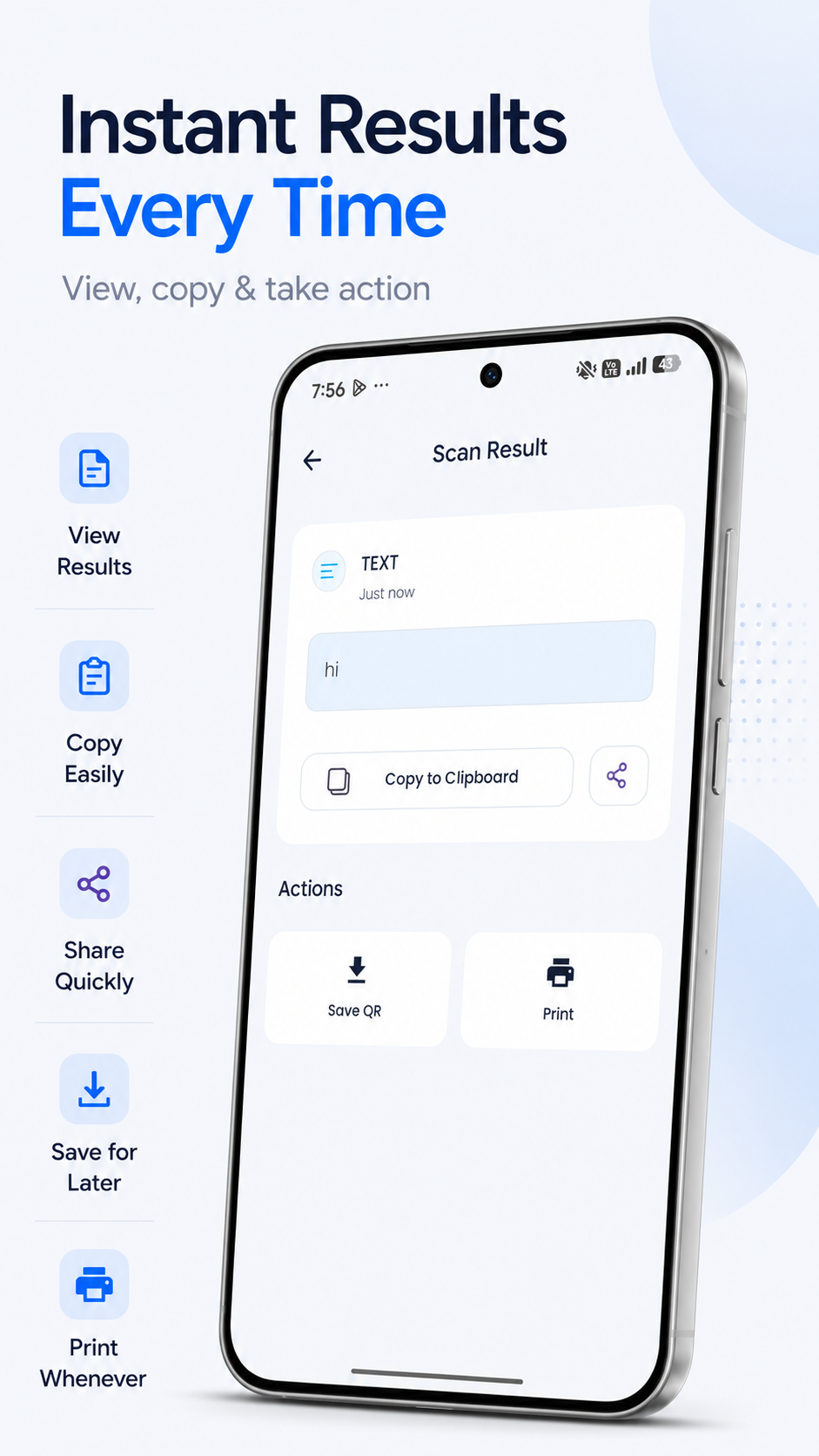
The scanner provides a straightforward experience for scanning codes and working with the information they contain.
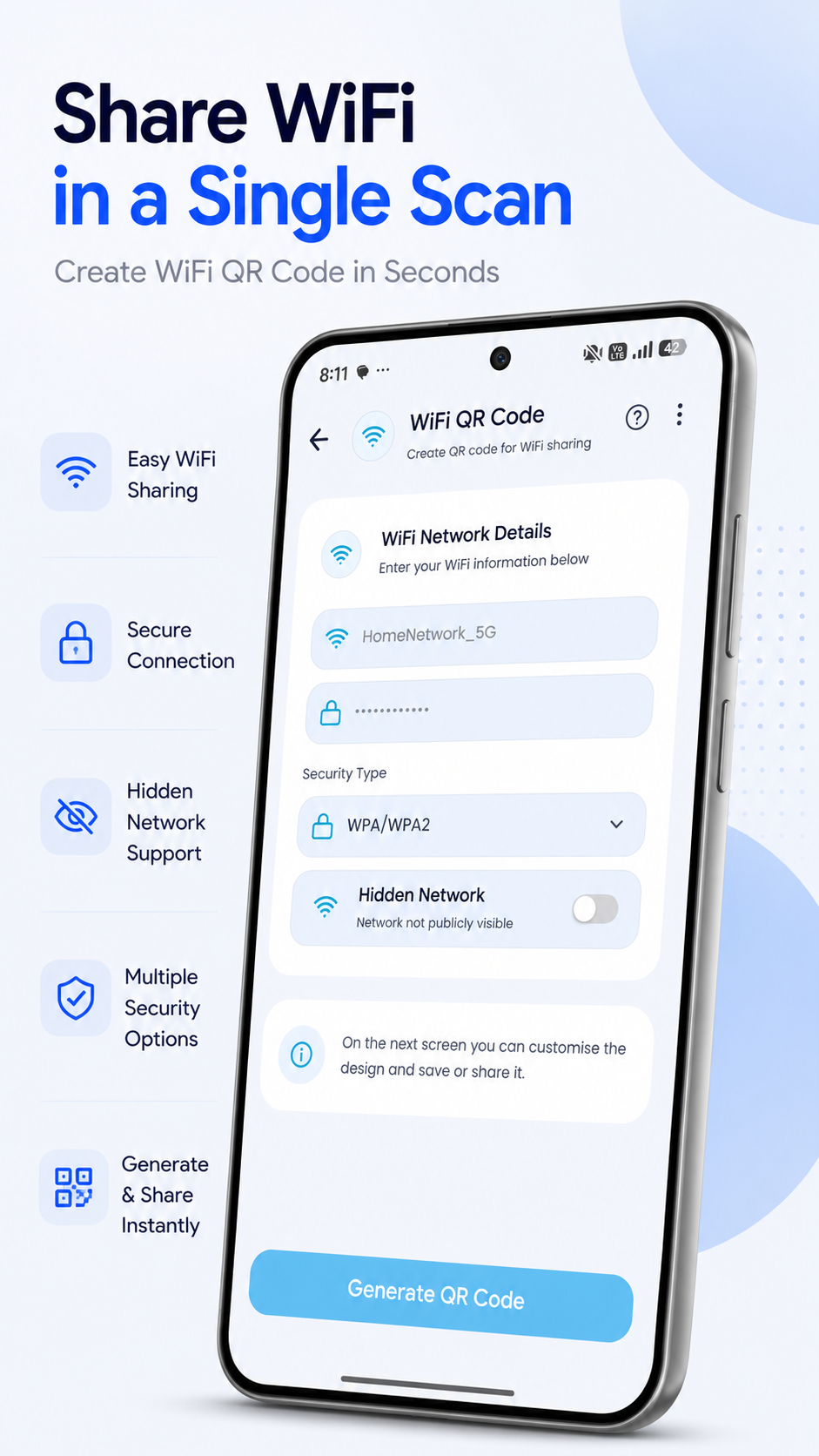
Create QR codes for different types of information directly from your device. Whether you're sharing a Wi-Fi network, website, contact information, text, email address, location, or other supported content, QrBit provides an easy way to turn your information into a QR code.
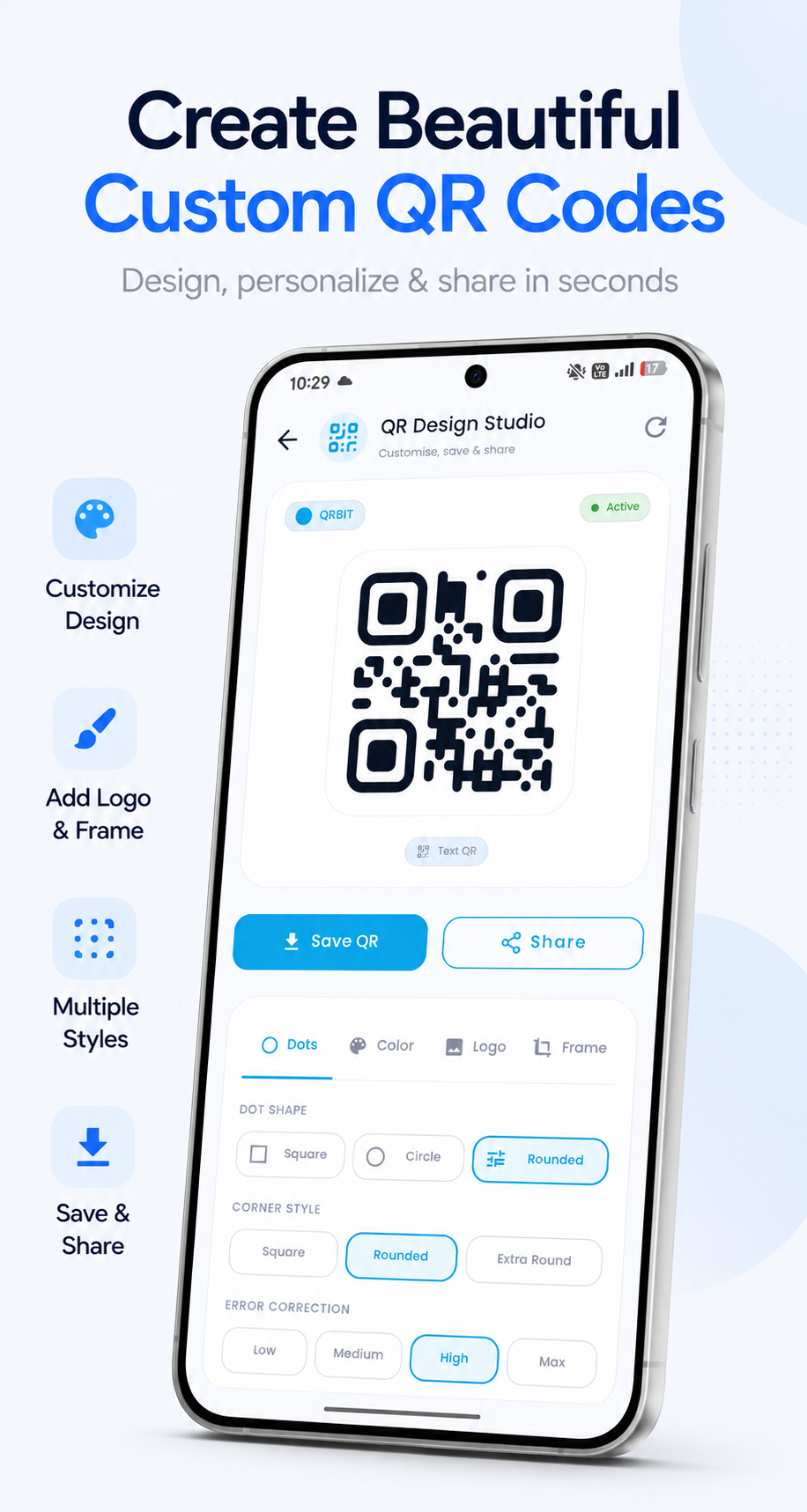
QrBit lets you customize the appearance of your generated QR codes. Choose from different design options to create QR codes that match your preferred style.
You can customize elements such as:
This makes it easy to create QR codes that are both functional and visually personalized.
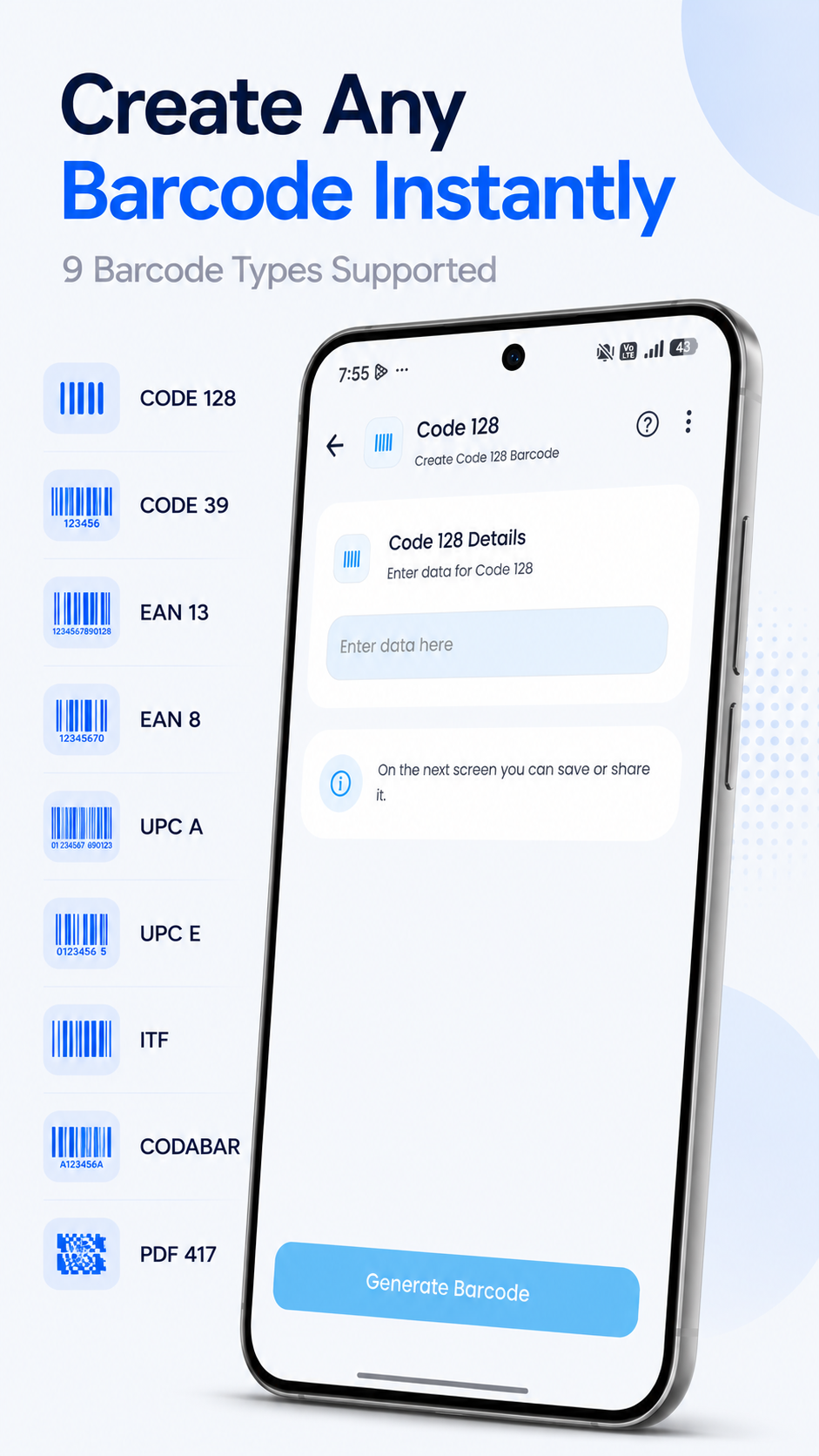
QrBit includes a barcode generator with support for multiple commonly used barcode formats. Enter your information, generate a barcode, and save or share it whenever you need it.
The barcode generator can be useful for personal projects, product information, inventory-related tasks, and other everyday purposes.
Save generated QR codes and barcodes to your device so you can access them later. You can also share generated codes using the sharing options available on your device.
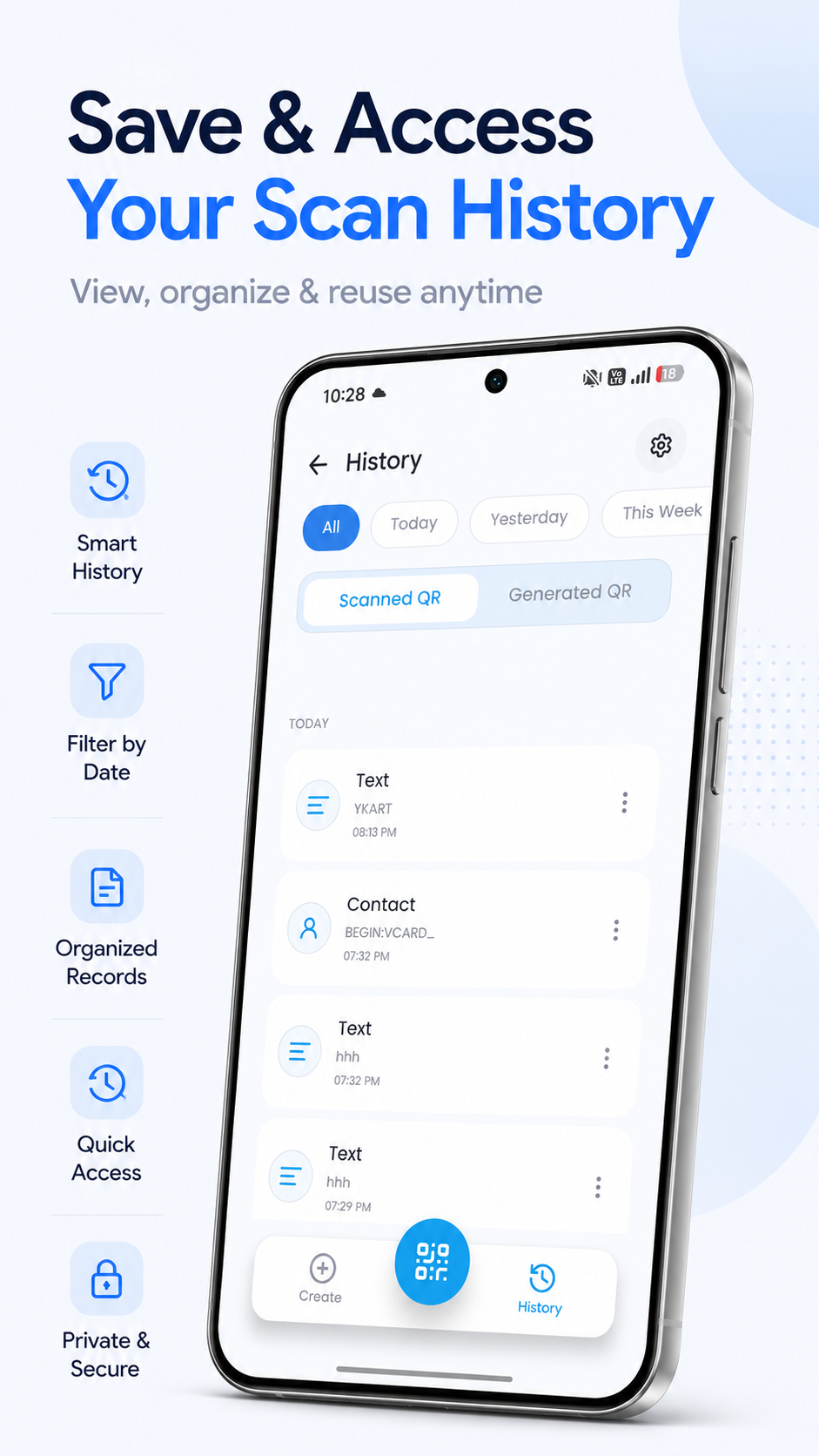
QrBit keeps your previous scanning and generation activity organized in one place. The history section makes it easier to review previously scanned QR codes and generated codes without having to recreate them.
QrBit is built around a clean and easy-to-use interface. Its tools are organized to make scanning, creating, customizing, saving, sharing, and reviewing codes simple and accessible.
Whether you need to scan a code, create a personalized QR code, or generate a barcode, QrBit brings these features together in one convenient application.
Your privacy is important to us. QrBit is designed to provide its core QR and barcode functionality while respecting user privacy.
For detailed information about data handling, permissions, and privacy practices, please review our Privacy Policy.
If you have questions, feedback, or need technical assistance with QrBit, please contact our support team.
QrBit is an independent application and is not affiliated with, sponsored by, or endorsed by any third-party company, brand, service, or organization.
Any third-party names, links, content, or information that may be contained within QR codes or barcodes are provided by users or external sources and do not imply any relationship between those third parties and QrBit.
Users are responsible for verifying the information they enter before generating a QR code or barcode and for reviewing the content of codes they scan before interacting with it.
Some features may depend on device capabilities, camera availability, operating system permissions, or the type of content being processed. Features and supported formats may change as QrBit is updated.
QrBit brings QR scanning, QR creation, QR customization, and barcode generation together in one convenient app.
Whether you're scanning information, sharing a Wi-Fi connection, creating a custom QR code, generating a barcode, or reviewing previous activity, QrBit provides the tools you need in a simple and organized experience.